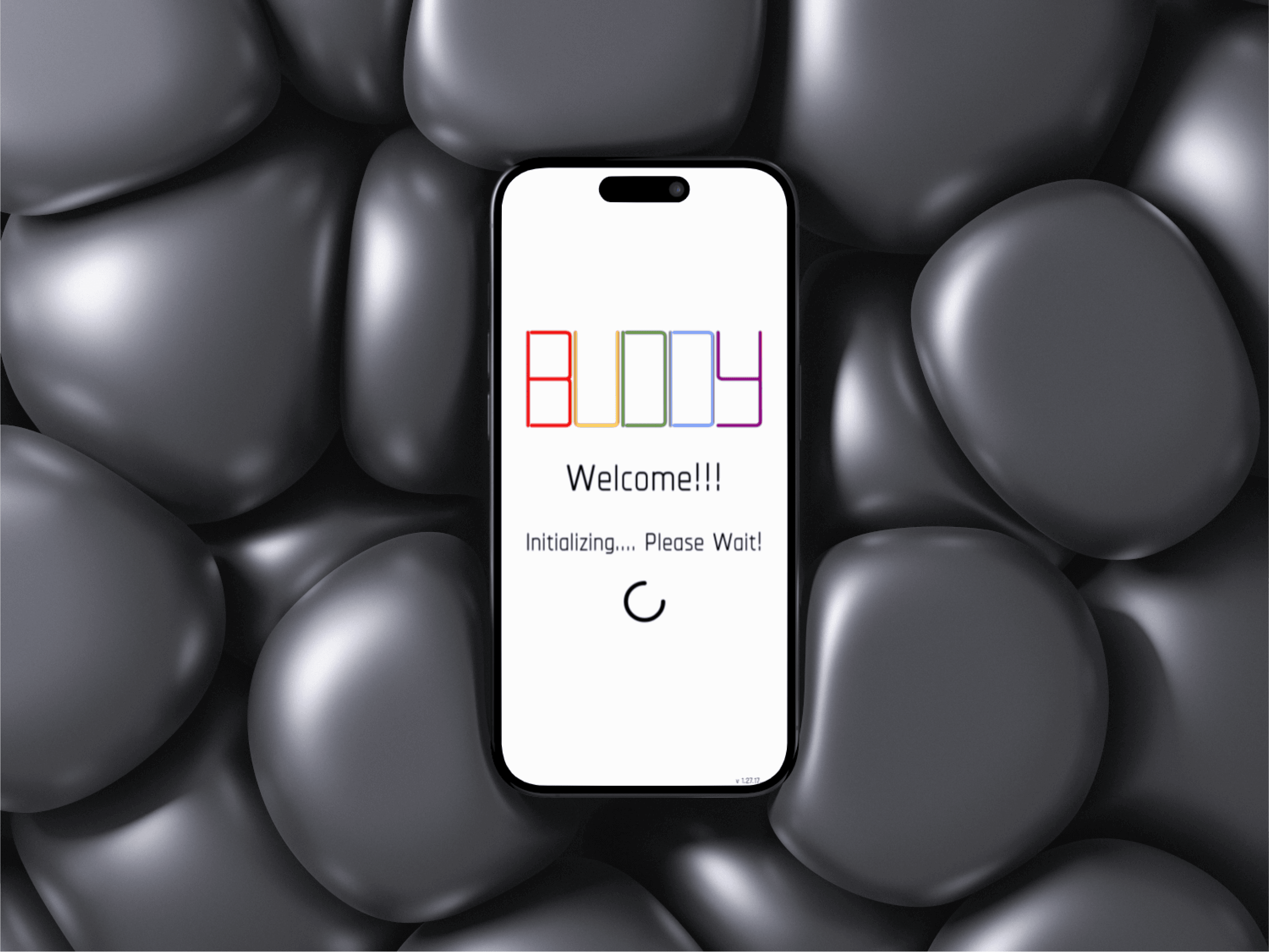
BUDDY: The Unified Digital Productivity & Journaling App
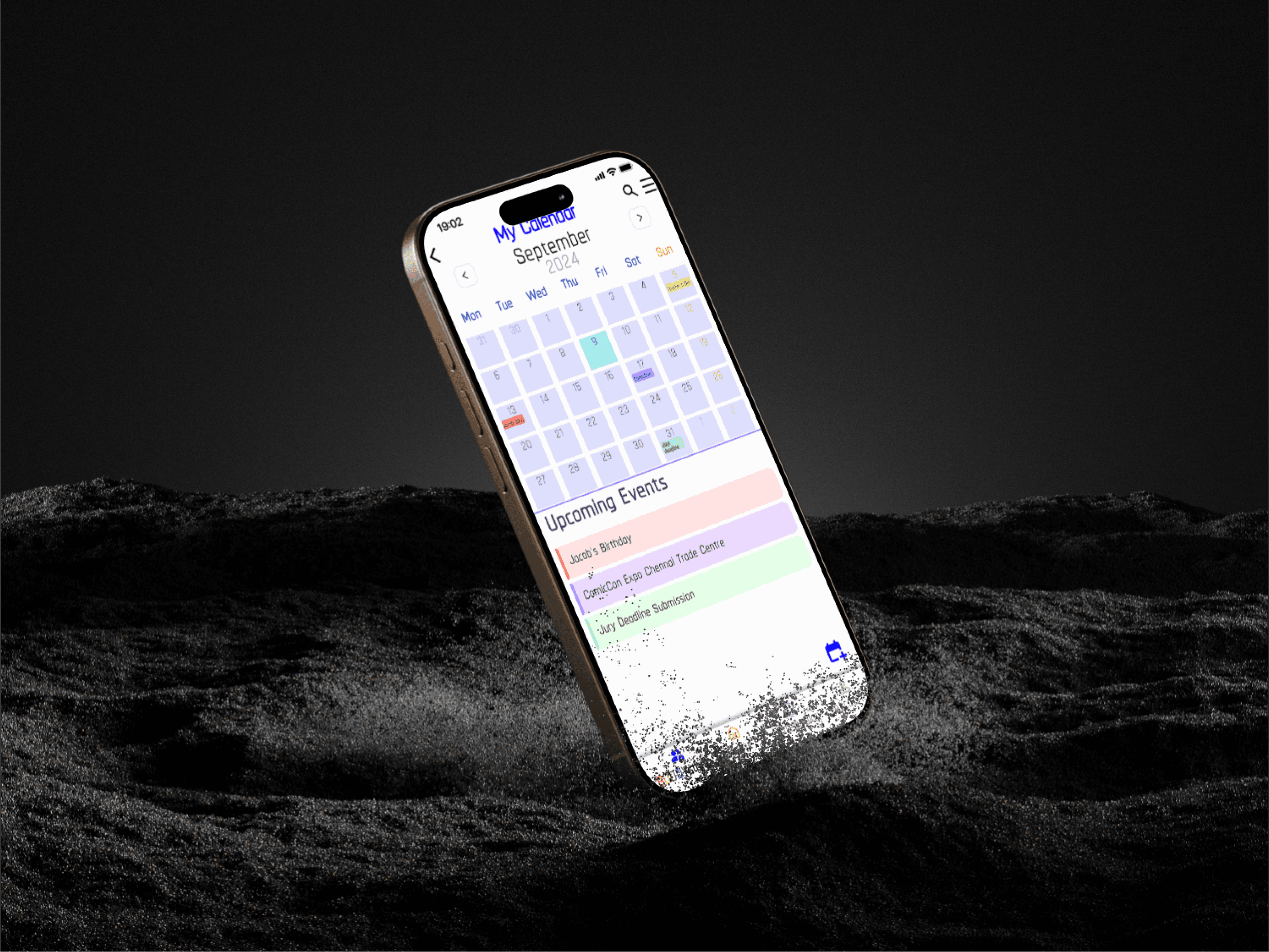
BUDDY is your digital productivity assistant. It helps you capture, organize, and manage your ideas with features like notes, reminders, and a calendar.
Process
Research & Analysis:
Target Users: Teenagers and Young Adults who enjoy digital note-taking and journaling.
Methods: Conducted surveys and competitor analysis (e.g., Google Keep, Day One) to identify user needs and market gaps.
Key Insights: Findings confirmed a desire for deep personalization, security, and the need for seamless integration of features like video import and a more visually appealing organization than standard list views.
Information Architecture:
Method: Used a Hybrid Card Sorting method to structure the complex set of features (Notes, Calendar, Reminders, Messaging, Feed).
Outcome: Established a logical, easy-to-navigate Hub and Spoke structure, which was crucial for balancing the large number of features without overwhelming the user.
Wireframing & Prototyping:
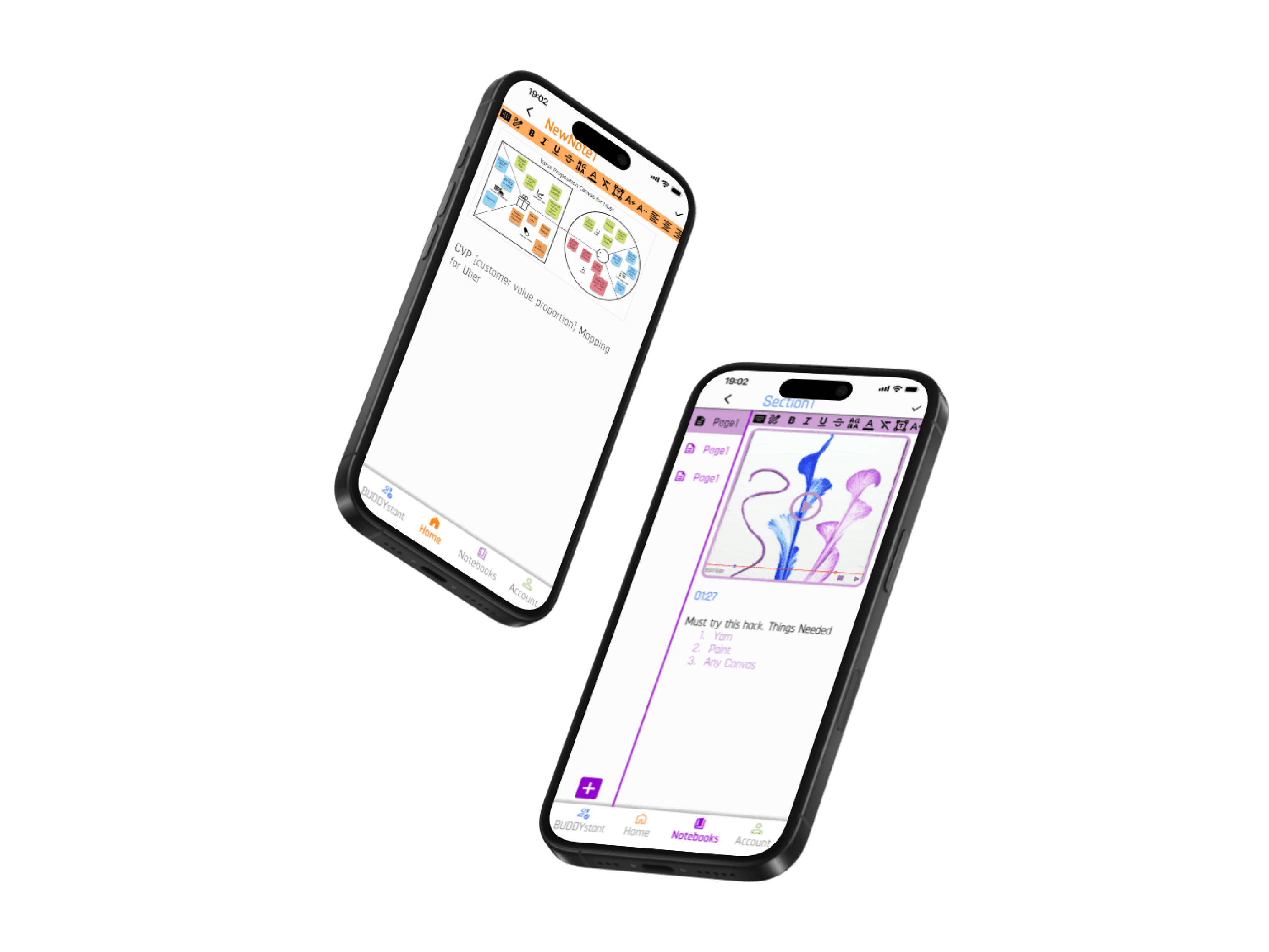
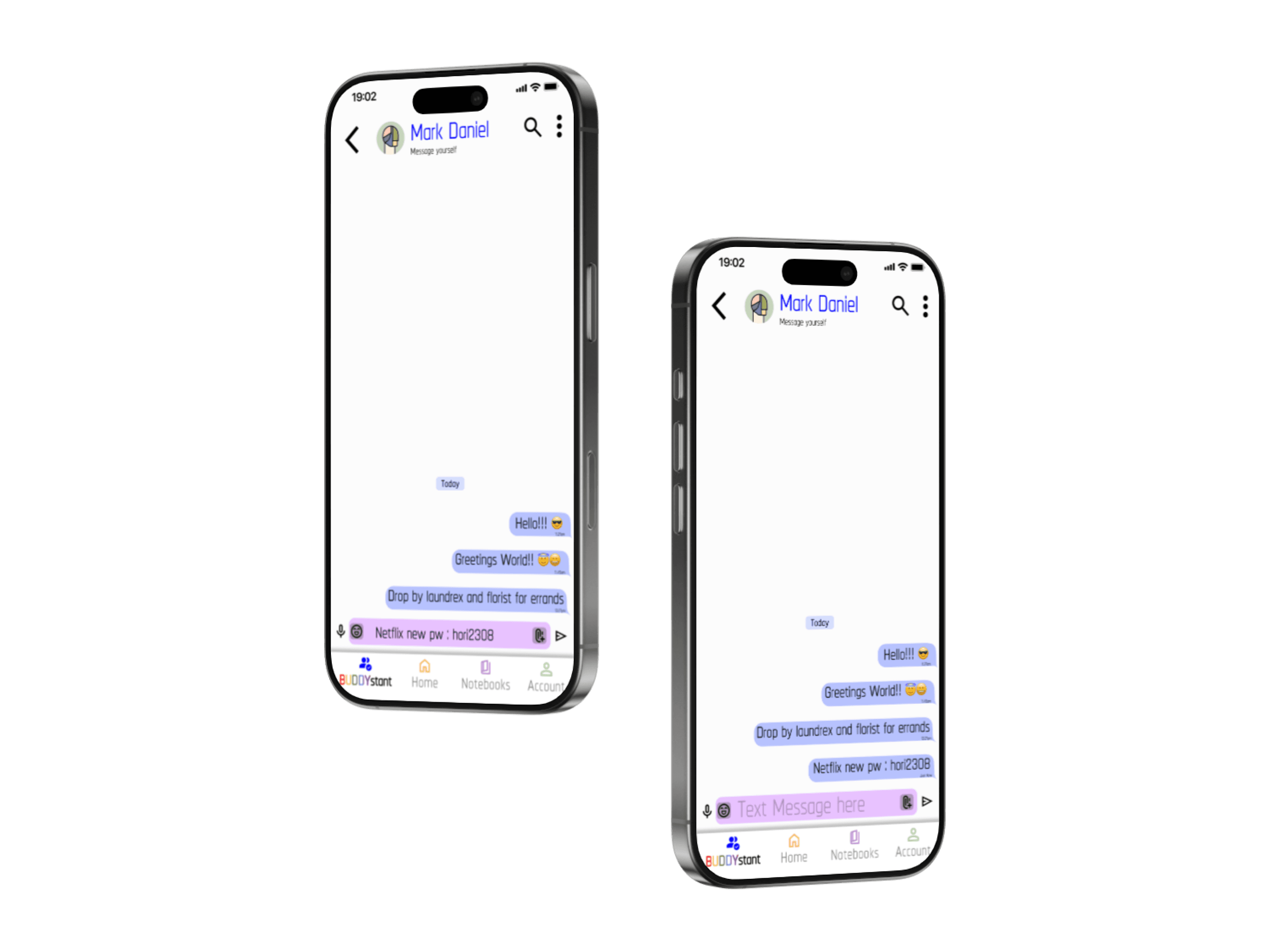
Iterative Design: Started with low-fidelity sketches and wireframes to map out the core flows, focusing on critical tasks like New Note creation and Self-Messaging.
High-Fidelity Prototype: Developed the interactive prototype in Figma, ensuring the visual design aligned with the personalized, friendly brand identity.
Critical Flow: Detailed the user journey for the New Note creation flow as it represented the app's primary function.
Usability Testing:
Methodology: Conducted Moderated, Remote Usability Testing with 12 participants.
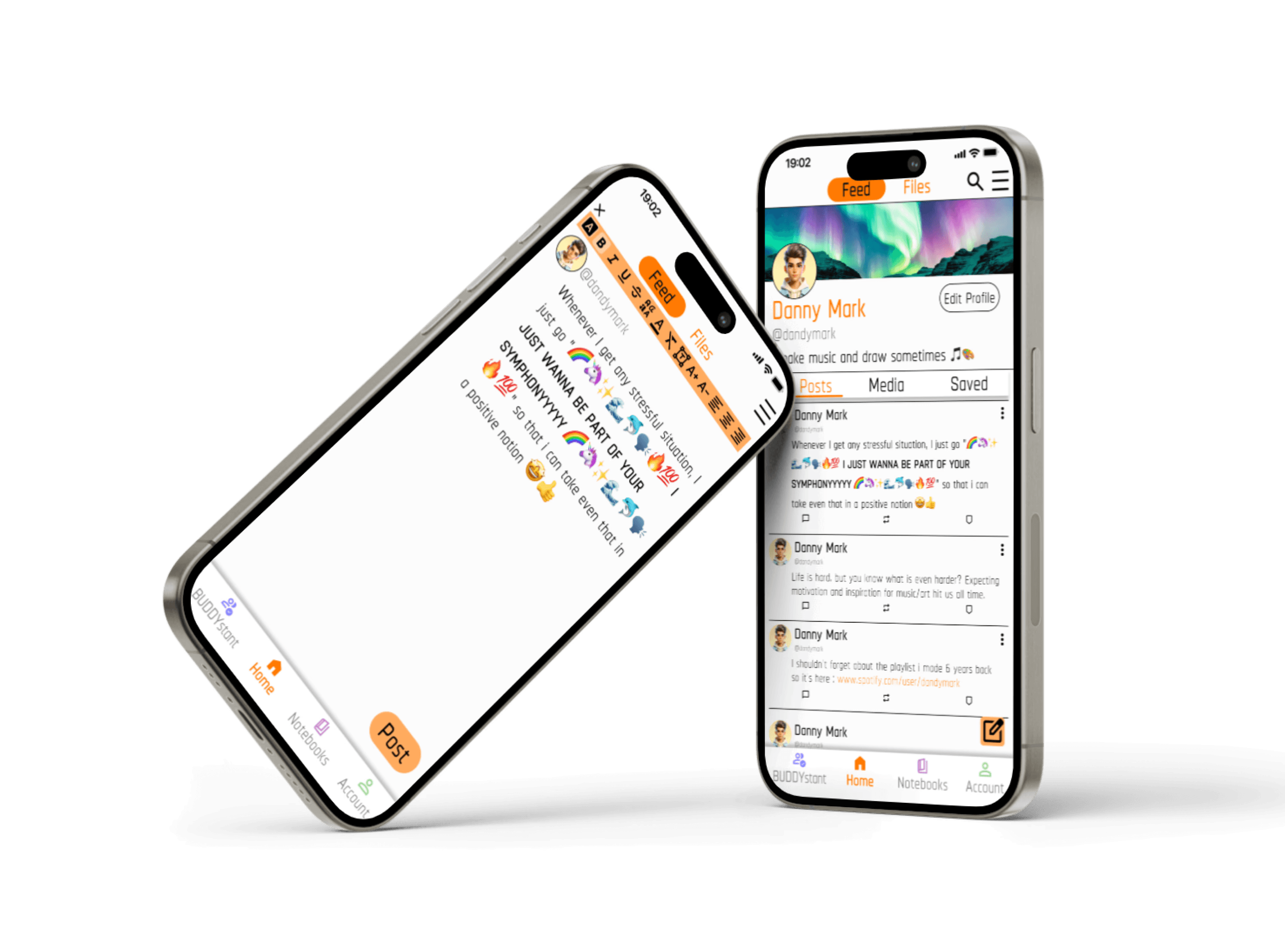
Positive Metric: The application achieved an Overall Average Rating of 6.5/10, and the majority of users strongly liked the innovative Feed layout.
Critical Finding (Pain Point): Identified a high failure rate in Task 2 (Creating a New Note and adding media), along with general user confusion due to a Lack of Visual Consistency (icons of different sizes and placements). This validated that technical execution requires significant polish.
Visual Design & Style Guide:
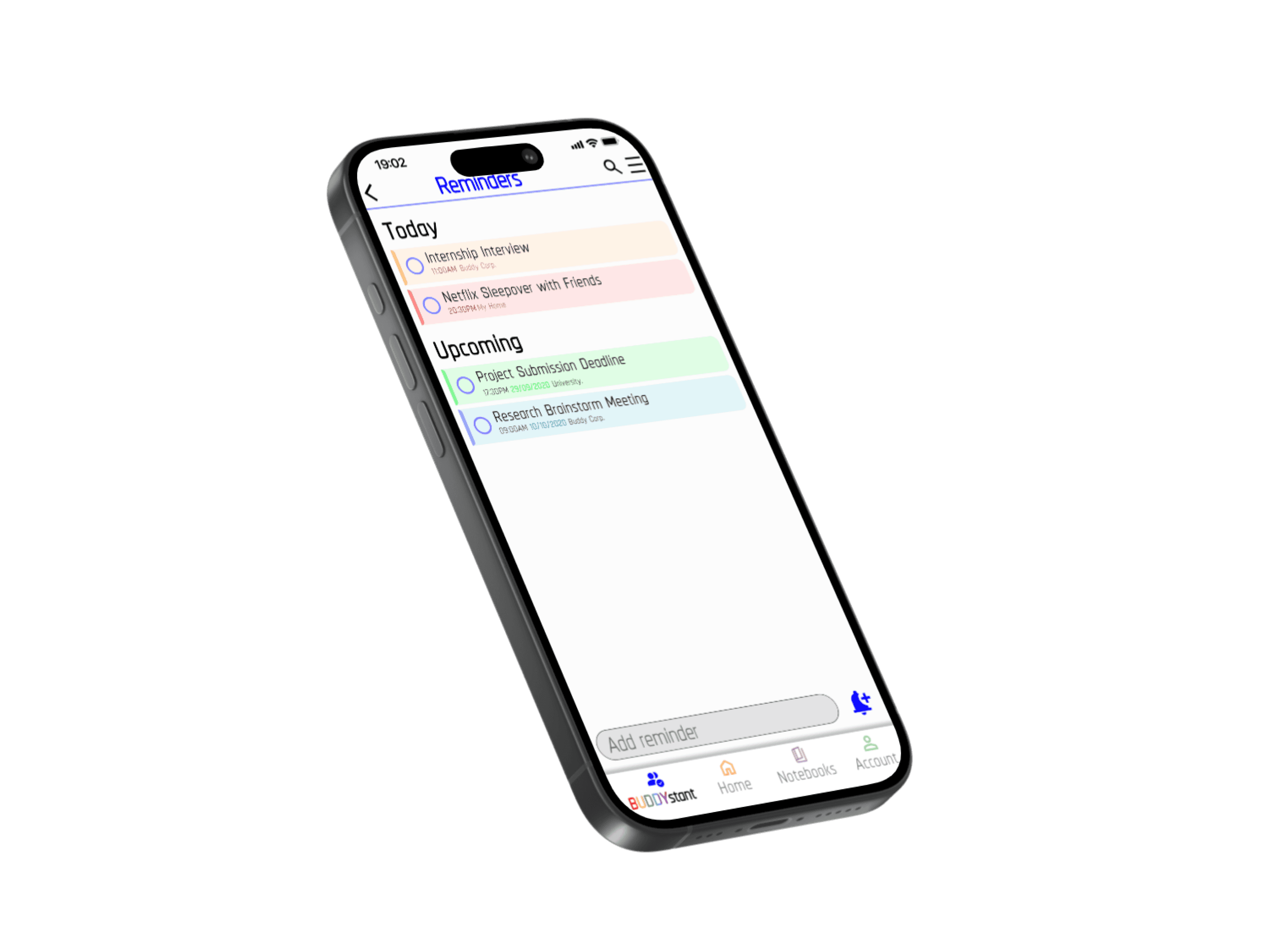
Branding: Designed a custom visual identity using the Chathura typeface and a curated color palette to evoke a sense of warmth, security, and personalization, distinguishing it from corporate apps.
Consistency Challenge: Acknowledged the need to fix the visual design flaws identified in testing, specifically standardizing the icon set and typography sizes to enhance ease of use.
Conclusion
Achieved Success: Successfully designed a comprehensive, feature-rich application that directly addresses the user need for a unified personal digital assistant, receiving positive initial feedback on core innovative features.
Key Learning (The Takeaway): The most significant lesson was understanding that managing the complexity of a feature-rich app requires absolute visual consistency and minimalism. A successful feature set is easily undermined by minor UI inconsistencies.
Future Work: The next steps would be to implement a full redesign audit to standardize the UI elements, simplify the overall aesthetic, and specifically rework the high-error New Note creation flow to reduce user frustration.